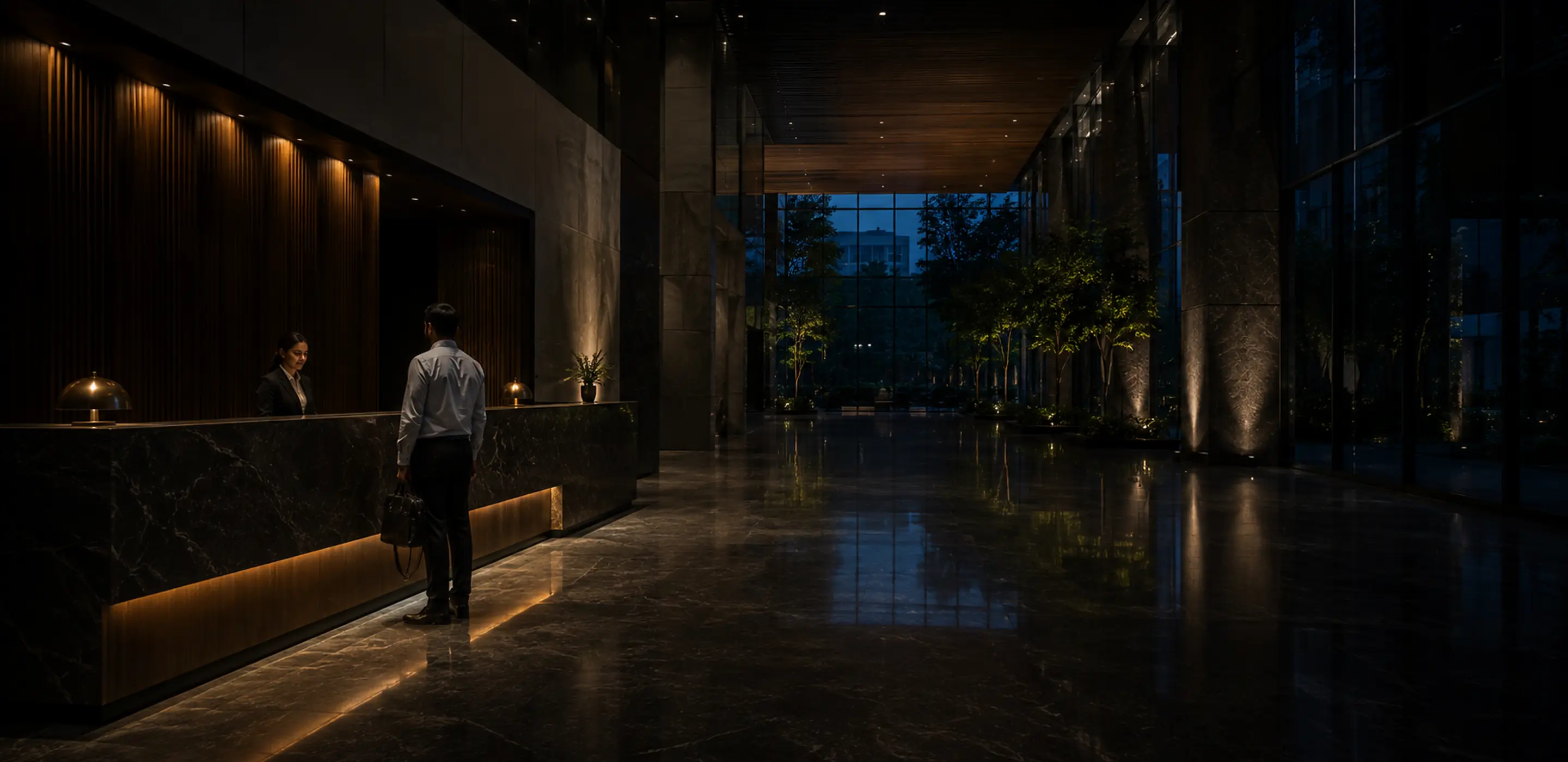
An office reception area with visitors arriving
FrontDesk Assistance

A digital front desk for every arrival.

Register visitors, vendors, planned guests and temporary employee access through structured check-in, with host coordination, card allocation, live tracking and day-end reporting across office locations.

The FrontDesk Assistance reception dashboard showing who is currently inside, with a floating host response and card inventory summary
What It Is

Make every arrival visible, verified and accountable

A controlled digital workflow for reception: check-in, host coordination, card allocation, live occupancy and reporting, scoped by location and role.

Today

A register and a phone call

  • A paper book at the front desk
  • Reception calls around to find the host
  • Cards tracked on a separate sheet
  • No reliable view of who is inside
  • Day-end reports assembled by hand
  • Every office does it slightly differently
With FrontDesk Assistance

A controlled front desk

  • Structured digital entries, searchable
  • Hosts respond by email and reception sees it
  • Cards allocated and reconciled by the system
  • A live view of everyone currently on site
  • Registers export to CSV, Excel and PDF
  • One workflow, scoped by location
A receptionist welcoming a visitor at a modern reception desk
Why It Matters

A paper register cannot tell you who is still inside.

As offices grow across locations, manual logs leave gaps in exactly the places that matter: who authorised the visit, who has been informed, which cards are outstanding and what happened at the end of the day.

A reception kiosk with the office location already resolved, offering visitor, vendor and temporary access check-in
Kiosk check-in

The location is decided by the device, not the visitor

Visitors, vendors and employees needing temporary access check in from a location-bound reception kiosk. The office is resolved from the device session rather than chosen from a list, so entries and card allocation stay tied to the correct site.

Without it: a visitor picks the wrong office from a dropdown, and the entry, the card and the day-end report all end up filed against the wrong location.
A visitor badge being handed across a reception counter
Arrival types handled today, each with the rule applied and the number seen
Visitors, vendors and temporary access

One process, several kinds of arrival

The same structured flow handles visitors, vendor and auditor categories, planned guests prepared in advance, and employees who need temporary access because a card was forgotten, lost or damaged. Each captures the details that category actually requires.

Without it: vendors get scribbled into the same paper column as guests, temporary card issuance happens informally at the desk, and nobody can separate the three afterwards.
A host notification email with confirm, ask to wait and unable to meet options, and the response recorded at reception
Host coordination

The host answers, and reception can see it

Reception sends the host an email with the visit details and three responses: confirm the visit, ask the guest to wait, or unable to meet. The reply is recorded against the entry as a note, so whoever is on the desk knows what to do next.

Without it: reception calls the host, gets no answer, tries a colleague, and the visitor waits in the lobby with nobody able to say whether anyone is coming.
Card inventory health showing available, in use, lost, damaged and inactive counts
Card control

Every card accounted for, by location and purpose

Identity and access cards are managed per location and card type. Check-in assigns an available card inside a single transaction, and checkout either returns it to the pool or marks it lost, damaged or inactive.

Without it: cards are tracked on a separate sheet that nobody updates, so the stock quietly drifts and the ones that never came back are discovered at audit.
A searchable movement register with date filters, visit records and CSV, Excel and PDF export options
Registers and reports

A register you can actually search

Every visit produces a structured record: timing, location, host, card, identity reference, assets declared, remarks and checkout. Registers filter by date and category, and admins export to CSV, Excel or PDF alongside scheduled end-of-day summaries.

Without it: answering "who visited on the 14th and who signed them in" means turning the pages of a paper book, and the day-end report is assembled by hand every evening.
A receptionist checking in a visitor on a reception tablet
Live visibility

Know who is inside, right now

The reception dashboard shows currently active entries, walk-ins, expected guests, temporary access, card inventory health, host response status and remarks, refreshed as the day runs. Reception teams see their own locations; administrators see across all of them.

Without it: the honest answer to "how many people are in the building?" is a guess, and in an evacuation a guess is not good enough.
One Day At Reception

The desk still runs when nobody is standing behind it

A single ordinary day, and what the system is holding at each point in it.

14on site right now
3awaiting host approval
2passes expiring today
0unrecorded entries
08:40

First arrival

A visitor checks themselves in at the kiosk. The host knows before they have finished sitting down.

11:15

Contractor

Documents checked against the approved list, access limited to one floor, pass timed to expire.

14:00

Interview panel

Four candidates arrive together, all pre-registered. Nobody queues, nobody is asked to sign a book.

18:30

Last check-out

The building empties. The day is already written down, and already searchable.

Where It Is Used

Every kind of arrival your offices handle

Client and partner visits Vendor and contractor access Auditor visits Planned executive guests Interview candidates Temporary employee access Multi-location reception End-of-day movement reporting
A modern corporate lobby with a visitor waiting and an employee walking through
Built For Teams

Bring structure and visibility to every front-desk interaction

Reception teams work within their own locations while administrators keep central oversight of cards, records, devices and reporting.

Who It Is For

Four teams, four different reasons to need it

Reception Teams

One operating view of active entries, expected guests, card stock, host responses and checkout for your assigned location.

Employees and Hosts

Know your visitor has arrived and answer in one click, without reception hunting you down.

Executive Assistants

Prepare expected guests in advance with host, timing, room and guest count, so reception can receive them quickly.

Administration and Facilities

Central visibility across locations, card inventory, employee records, reports and audit logs.

Contact Us

Get in Touch with us

We’re here to assist you! Whether you have questions, need support, or want to discuss your project, our team is ready to help. Reach out today, and let’s explore how we can work together to achieve your goals.

Get A Free Consultation

First Name *

Last Name *

Company Name *

Designation *

Email *

Mobile Number *

I agree with the site Privacy Policy *

Cookie Settings